


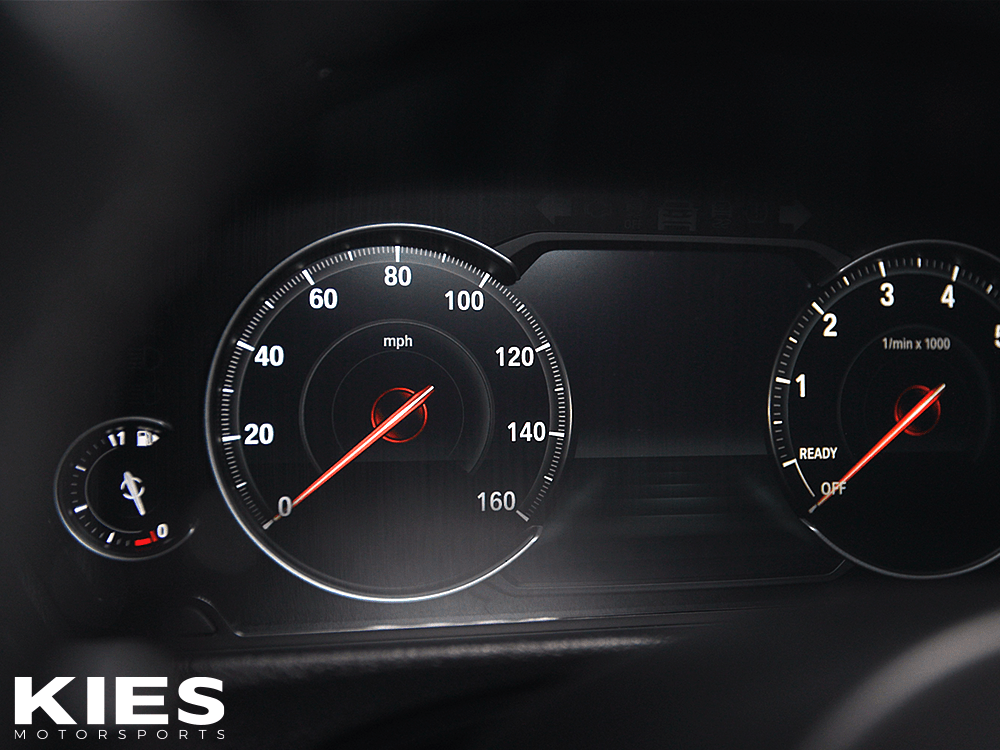
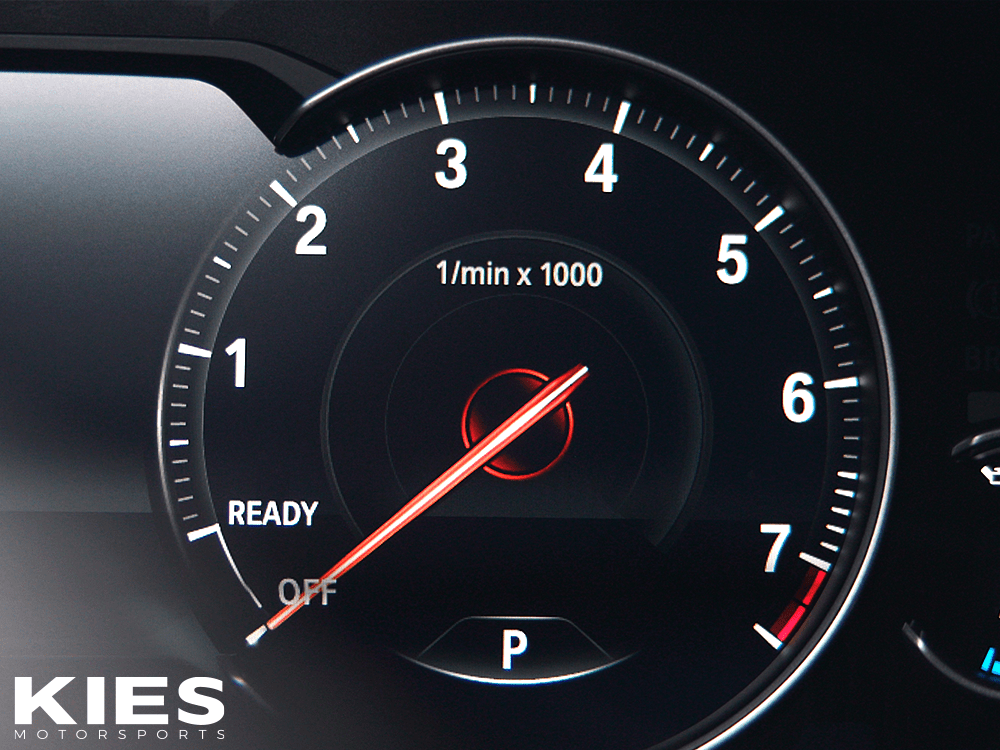
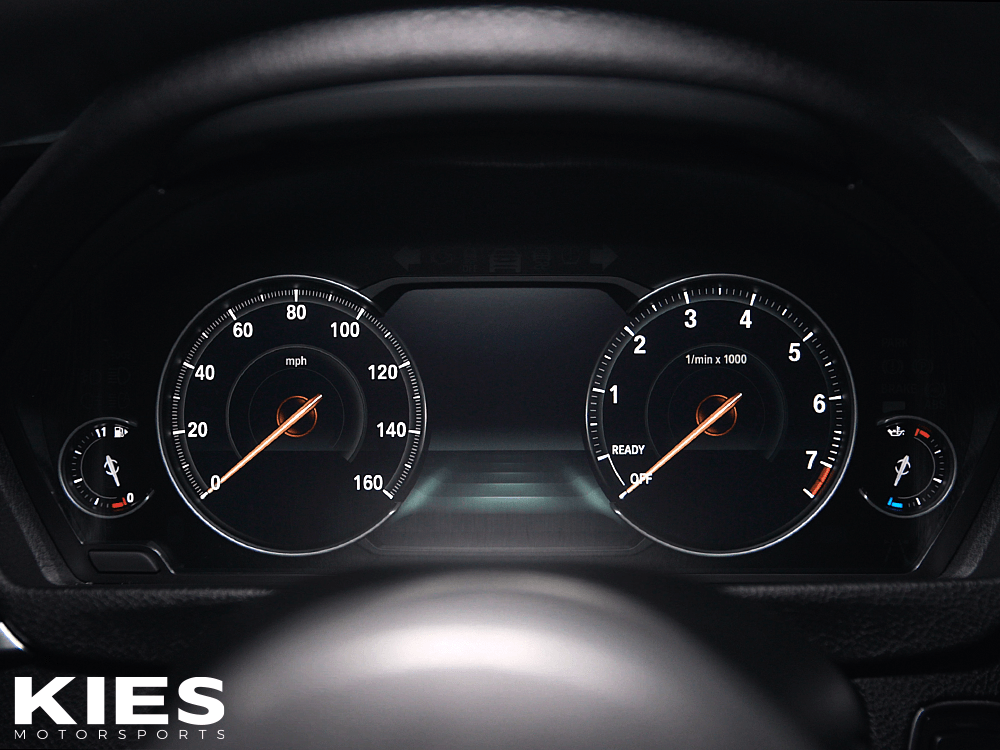
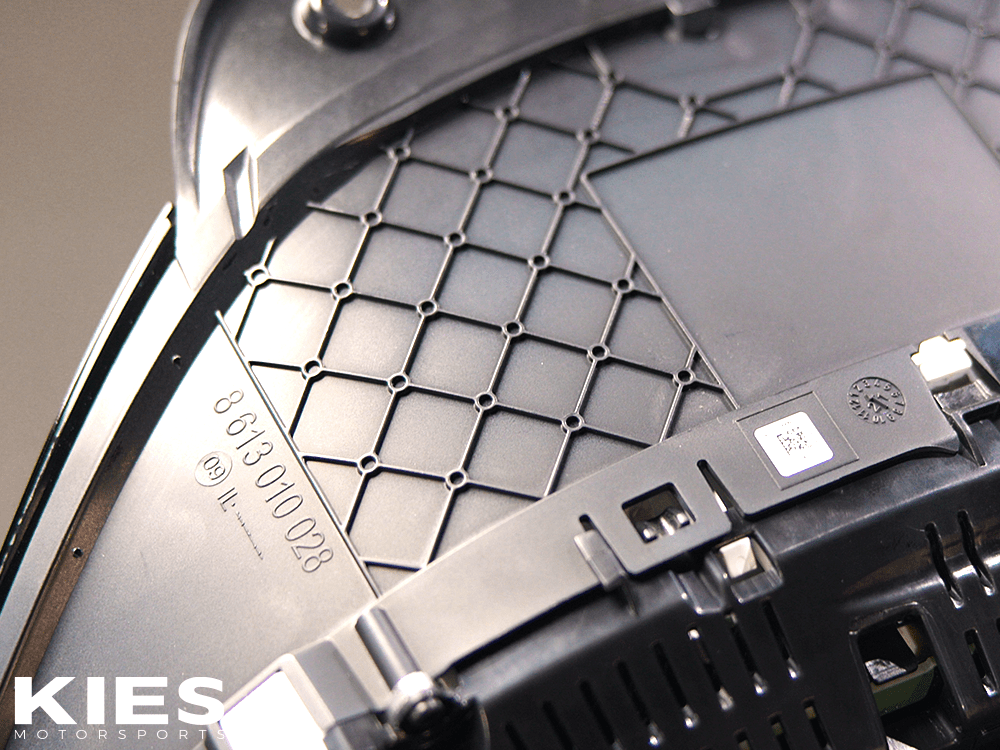
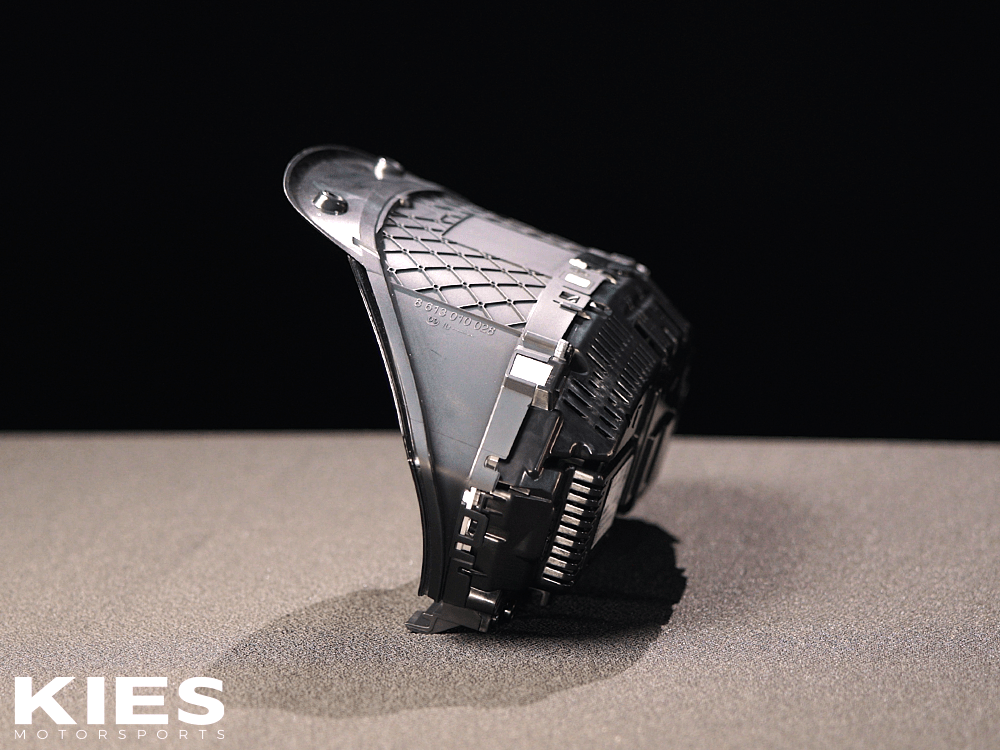
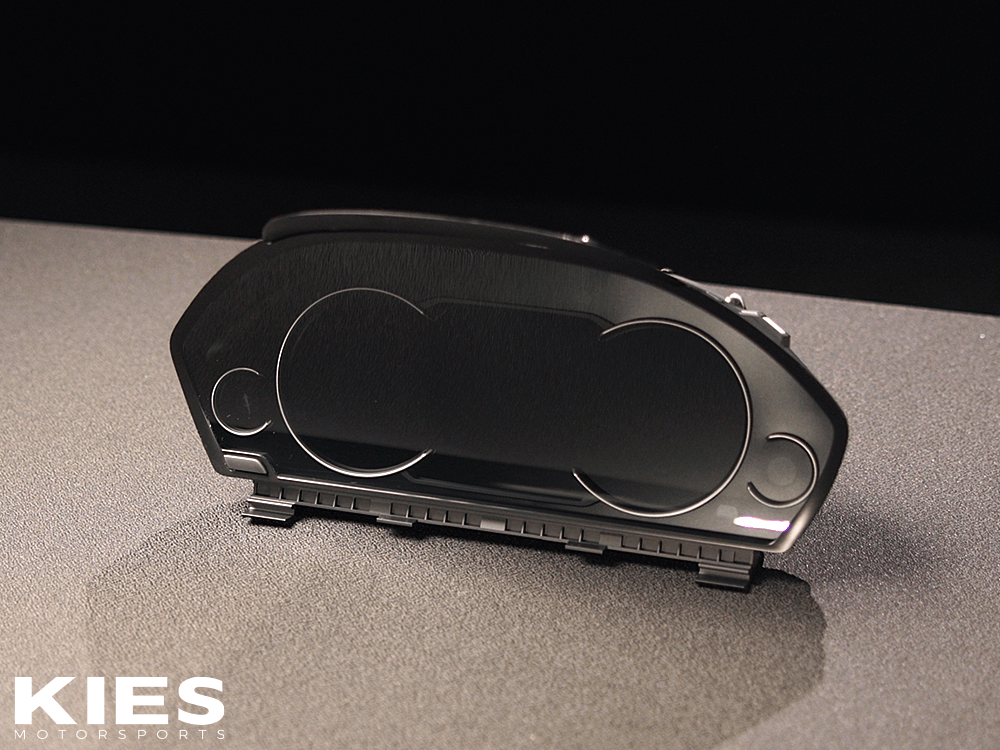
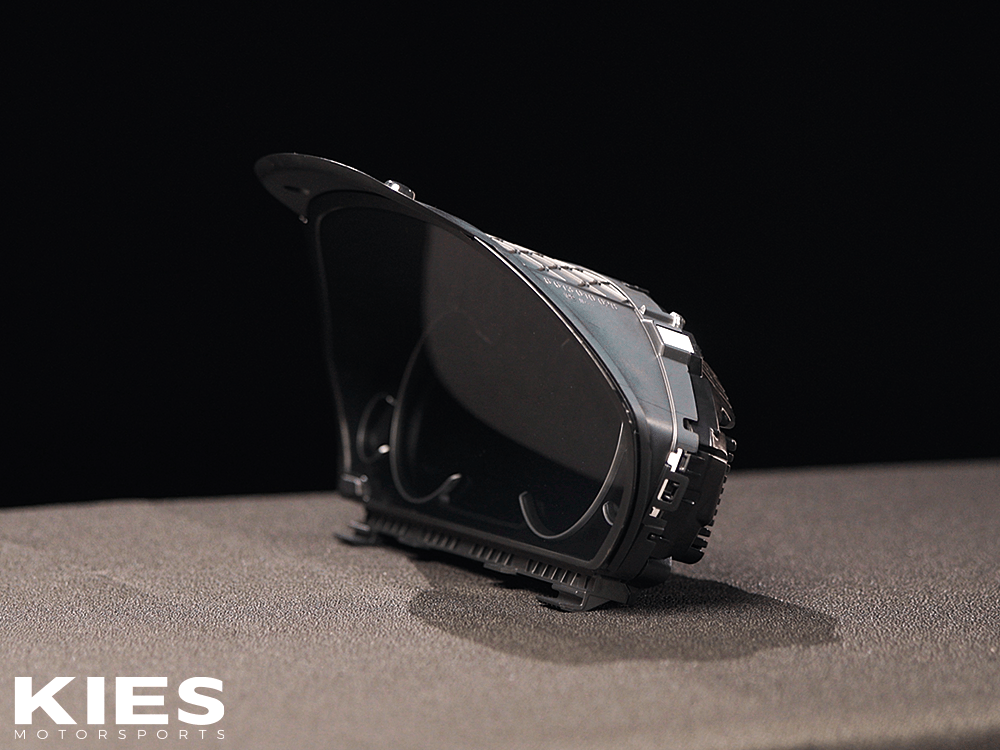
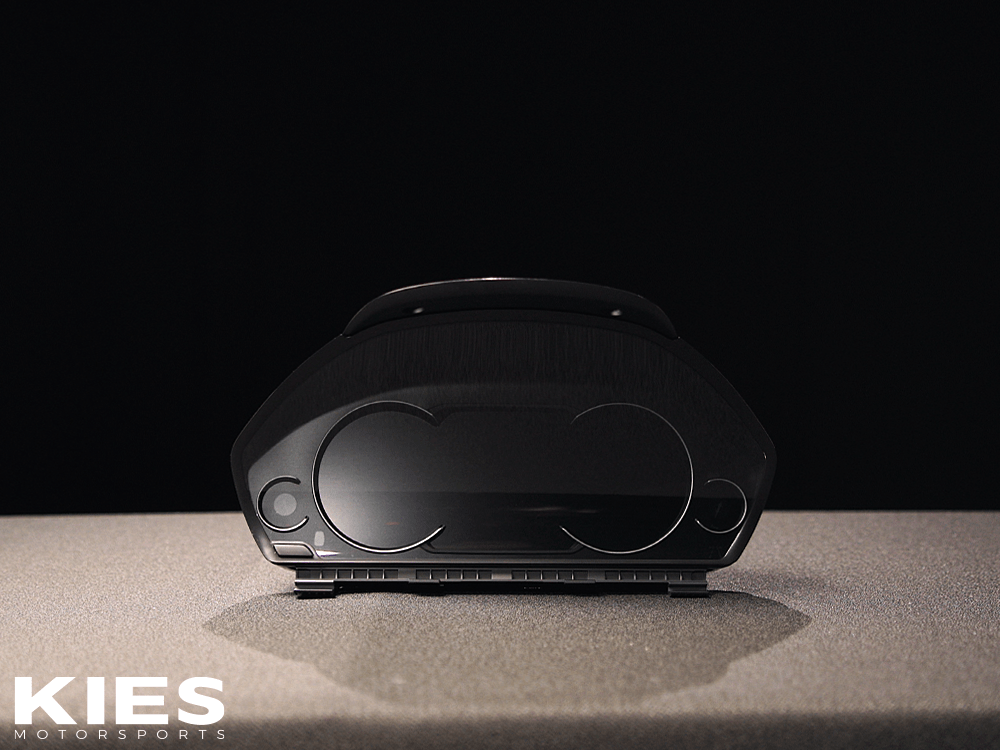
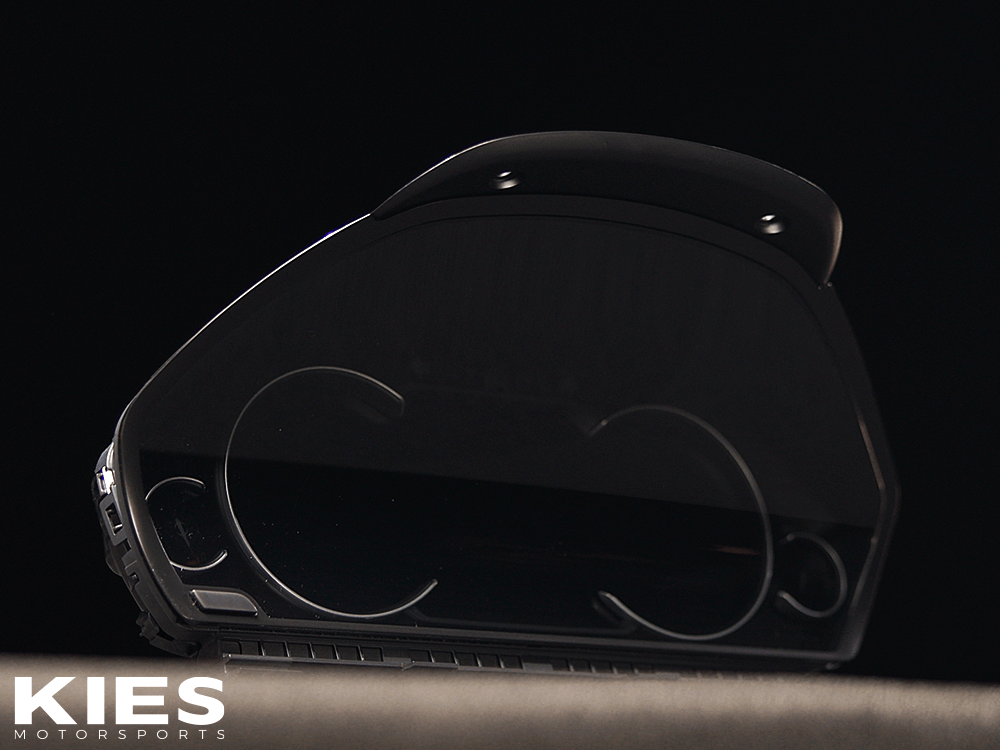

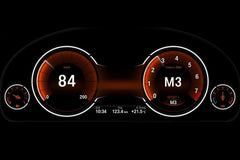
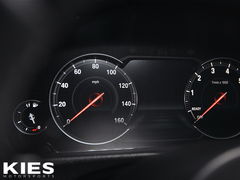
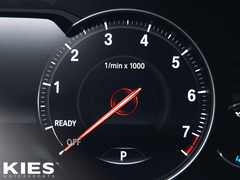
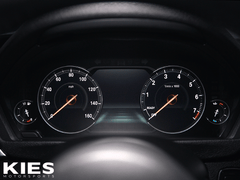
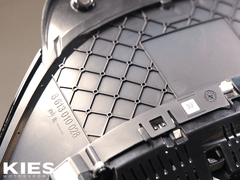
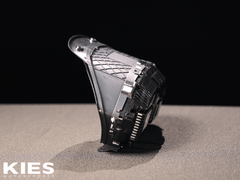
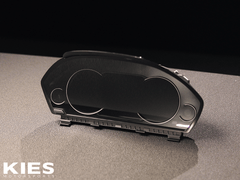
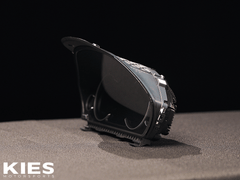
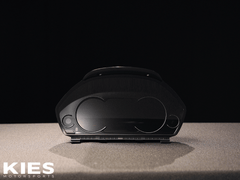
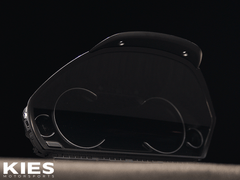
Kies-Motorsports Bimmertech Genuine BMW 6WB Cluster (F30, F31, F32, F3X)
Kies-Motorsports BMW Genuine BMW 6WB Cluster (F30, F31, F32, F3X)
Kies-Motorsports Bimmertech Genuine BMW 6WB Cluster (F30, F31, F32, F3X)

Genuine BMW 6WB Cluster (F30, F31, F32, F3X)

Vendor: Bimmertech
Product Type: Retrofits
$2,099.00 USD
$2,099.00 USD
$2,099.00 USD
Hurry up! only 895 left
Subtotal: $2,099.00
Kies-Motorsports Bimmertech Genuine BMW 6WB Cluster (F30, F31, F32, F3X)

Genuine BMW 6WB Cluster (F30, F31, F32, F3X)

$2,099.00

Genuine BMW 6WB Cluster (F30, F31, F32, F3X)

$2,099.00
Genuine BMW 6WB Digital Instrument Cluster for F30 F31 F32 F3X - Upgrade Your BMW 3/4 Series Dashboard | Kies Motorsports

Kies Motorsports - Premium BMW Performance Parts

Genuine BMW 6WB Digital Instrument Cluster for F30, F31, F32, F3X - OEM Upgrade

$ 2,099.00

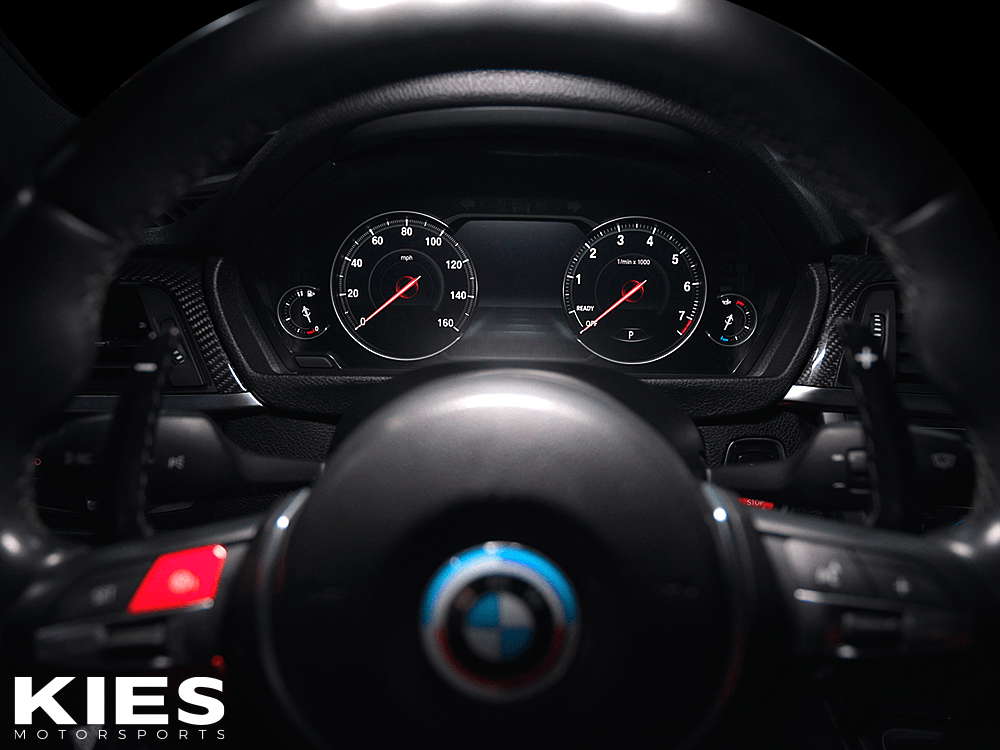
Transform Your BMW Cockpit with the Genuine BMW 6WB Digital Instrument Cluster

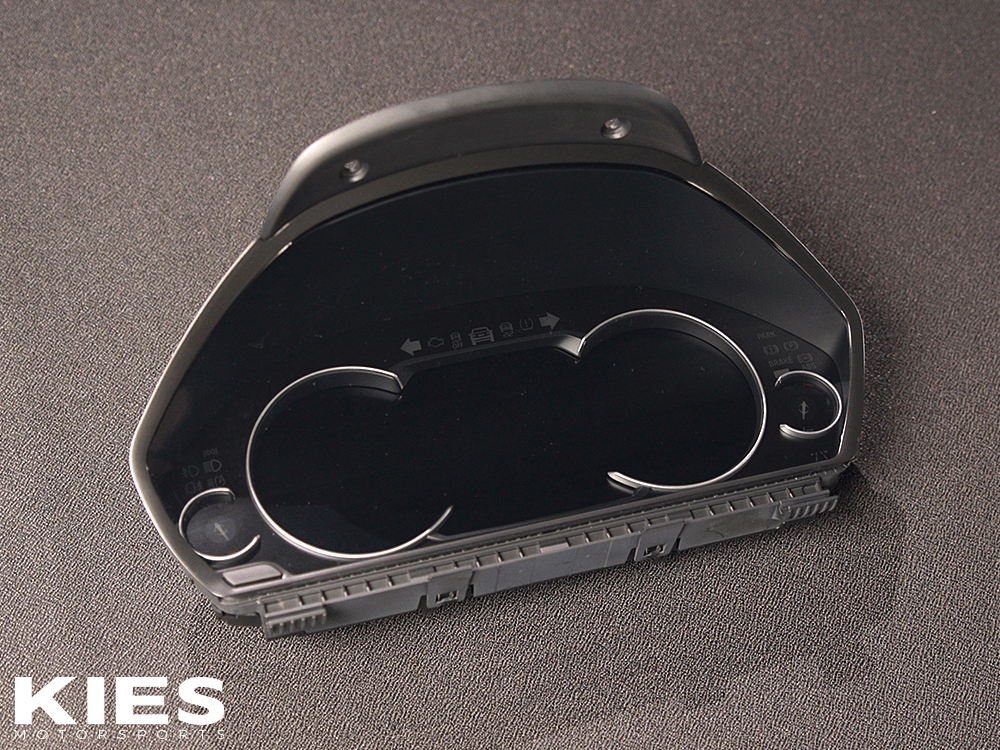
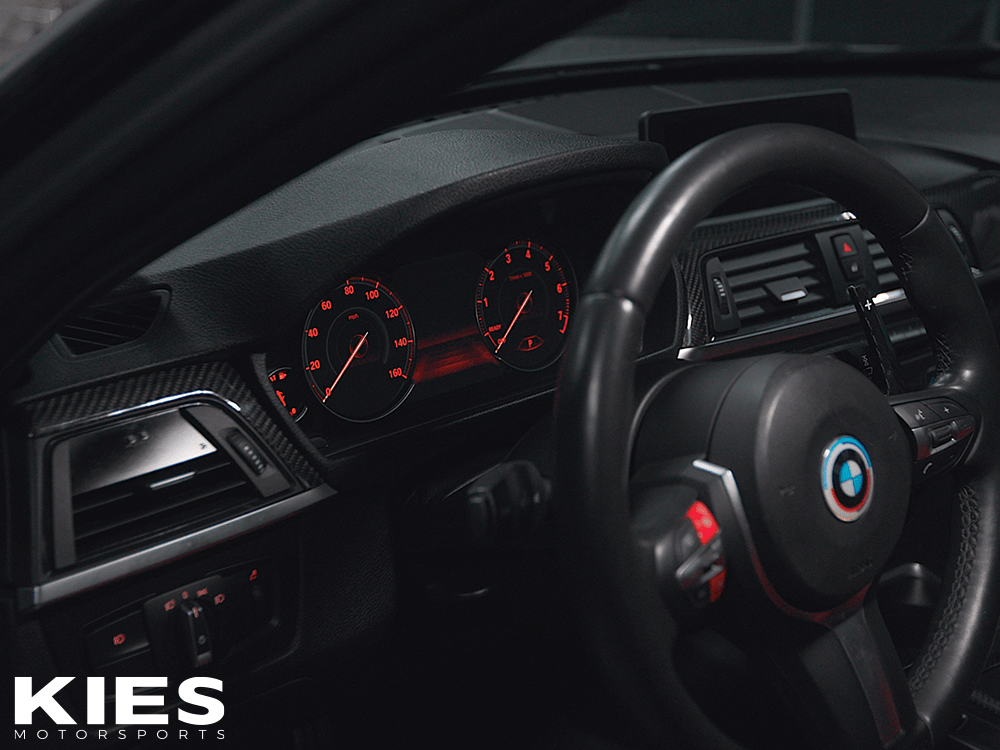
Are you ready to take your BMW's performance and style to the next level? The Genuine BMW 6WB Digital Instrument Cluster is the ultimate retrofit upgrade for F30, F31, F32, and F3X chassis models. This OEM-quality digital gauge cluster replaces your outdated analog dials with a stunning, fully digitized virtual cockpit that enhances comfort, confidence, and control behind the wheel.

Designed specifically for BMW 3 Series (F30 Sedan, F31 Touring, F34 Gran Turismo) and 4 Series (F32 Coupe, F33 Convertible, F36 Gran Coupe) owners, this 6WB cluster delivers seamless integration and cutting-edge features. Whether you're cruising in Comfort mode, optimizing fuel in Eco Pro, or pushing limits in Sport mode, your dashboard adapts instantly to your driving style.

Note: Not recommended for 330e models.

Key Features of the BMW 6WB Digital Cluster Upgrade

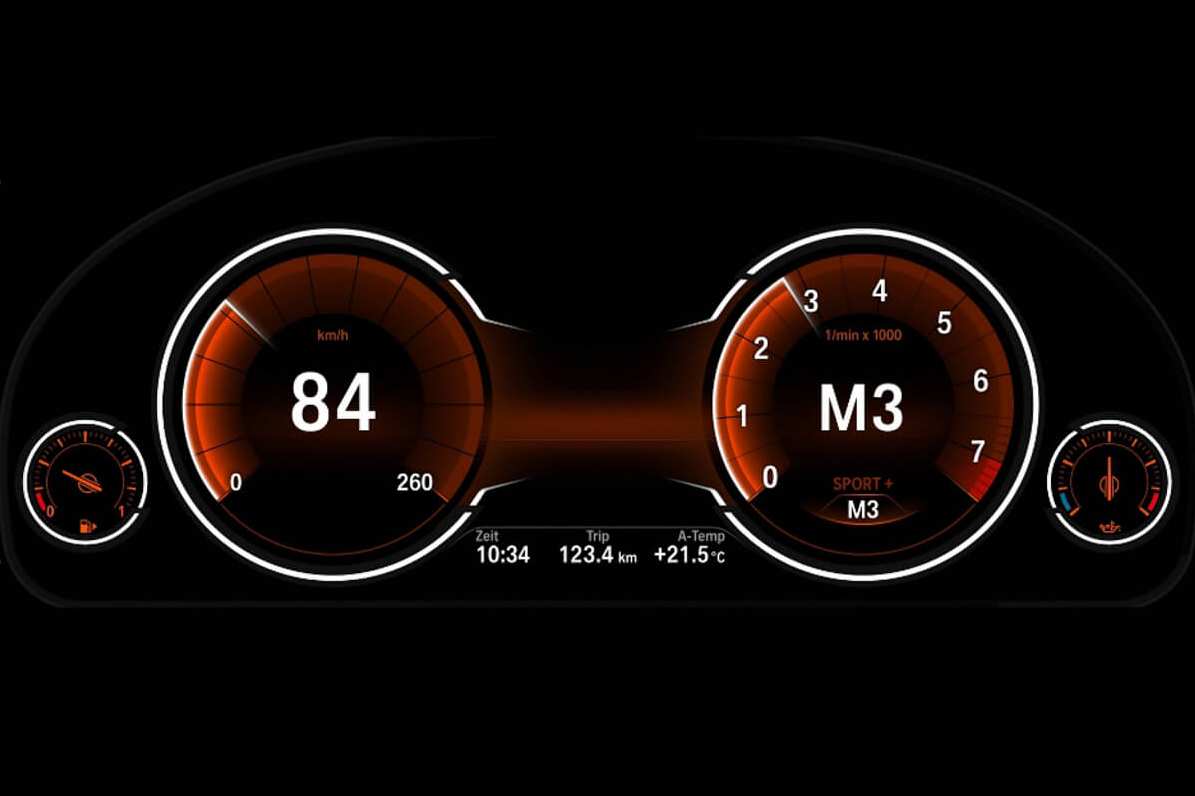
  • Fully Digital Setup with Dynamic Animations: Experience smooth, modern animations that make every drive feel futuristic.
  • Adaptive Driving Modes: Switch between Comfort, Eco Pro, Sport, and Sport+ modes for tailored gauge displays—focus on speed and revs in Sport, or efficiency metrics in Eco Pro.
  • Real-Time Car Visualization: The central display shows your BMW in 3D, accurately reflecting open doors, navigation prompts, and more right on the instrument panel.
  • OEM BMW Quality: Built with genuine BMW parts for plug-and-play installation—no custom wiring or compatibility issues.
  • Enhanced Navigation Integration: Turn-by-turn directions appear directly on the cluster for safer, distraction-free driving.

Perfect Compatibility for Your BMW Model

Ensure a flawless fit with these compatible models:

  • BMW 3 Series: F30 Sedan (2011-2018), F31 Touring (2011-2018), F34 Gran Turismo (2012-2018)
  • BMW 4 Series: F32 Coupe (2012-2018), F33 Convertible (2013-2017), F36 Gran Coupe (2013-2018)

Easy retrofit installation—professional setup recommended for optimal performance.

Product Specifications

Vendor Bimmertech
Product Type Retrofits
Price $2,099.00 USD

Frequently Asked Questions About BMW F30/F31/F32 6WB Cluster Upgrades

Is the 6WB cluster compatible with my F30 BMW 328i?

Yes, it's fully compatible with all F30 models from 2011-2018, excluding 330e hybrids.

How do I install the digital instrument cluster?

Installation is straightforward with OEM connectors. We recommend a certified BMW technician for best results.

Does this upgrade affect my car's warranty?

As an OEM part, it maintains compatibility without voiding standard warranties.

What BMW Enthusiasts Are Saying

"This 6WB cluster transformed my F32 M4—feels like a brand-new car!" – John D., Verified Buyer

Genuine BMW 6WB Digital Instrument Cluster for F30 F31 F32 F3X - Upgrade Your BMW 3/4 Series Dashboard | Kies Motorsports

Complete Step-by-Step 6WB Digital Cluster Installation Guide (F30 / F31 / F32 / F34 / F36)

⚠️ Professional installation strongly recommended. While the hardware is plug-and-play, proper coding is required for full functionality and to avoid error messages.

Tools Required

  • Torx T20 & T30 screwdrivers
  • Plastic pry tools (to avoid scratching trim)
  • 10mm socket (for battery terminal)
  • OBD coding device (BimmerCode, E-Sys, Carly, or dealer-level tool)
  • Stable 12V battery charger (highly recommended)

Part 1: Physical Installation (30–45 minutes)

  1. Disconnect the battery – Open the trunk, remove the negative (-) terminal on the battery for at least 15 minutes.
  2. Remove steering column trim – Lower the steering wheel fully. Remove the two T20 screws under the lower column cover and gently pry apart.
  3. Remove the original instrument cluster
    – Tilt steering wheel down and out.
    – Use plastic pry tools to release the cluster bezel (starts at the top).
    – Pull cluster forward gently.
    – Press the blue locking tab and unplug the single connector on the back.
  4. Transfer components to the new 6WB cluster
    – Move the immobilizer ring (the black ring around the ignition slot) from old cluster to new one.
    – Transfer the small ambient light sensor (tiny lens on top of old cluster) if your new unit doesn’t include it.
  5. Install the new 6WB cluster
    – Plug in the connector until it clicks.
    – Push cluster back into dashboard until it seats fully.
    – Reinstall bezel and steering column trim.
  6. Reconnect the battery – Tighten the negative terminal.

▶️ Watch our detailed video installation guide

Part 2: Coding & Activation (Required!)

Without coding, the 6WB cluster will show errors and limited functionality.

Option A – BimmerCode (Easiest & Most Popular)

  1. Connect OBD adapter (recommended: Vgate iCar Pro or ENET cable).
  2. Open BimmerCode app → Select your vehicle → “Instrument Cluster (KOMBI)”.
  3. Change the following values:
    • BAUREIHE → F3X_6WB
    • INSTR_CLUSTER → 6WB_Digital
    • NAVIGATION → aktiv (if you have navigation)
    • HUD → aktiv (if you have Head-Up Display)
  4. Code the cluster → Restart the car twice.

Option B – Professional Coding (Recommended for M3/M4 or complex setups)

Bring the car (or just the new cluster) to a trusted coder who uses E-Sys + PSDZ data. Full FA/VO coding + FSC enablement for navigation maps on the cluster is performed in ~20 minutes.

Troubleshooting Common Issues

Problem Solution
“Instrument cluster not coded” warning Complete coding step above
No navigation arrows on cluster Enable NBT navigation in coding + update maps
Gauge needles stuck or flickering Battery was not disconnected properly during swap
Red airbag warning Immobilizer ring not transferred correctly

✅ After correct installation + coding, you will have:
• Full digital gauges with animations
• Working driving mode changes
• Live 3D car view & door status
• Turn-by-turn navigation directly on the cluster

Kies Recommended Products

Recently Viewed Products